Find your VPN username and password in the Members Area under VPNUK Account Details.
Members AreaInstalling VPNUK for Apple TV v3.1: The VPNUK App for Apple TV is available as a free download in the Apple TV App Store. The Apple TV App provides connections through the WireGuard protocol which offers a lightweight, secure and fast seamless connection.
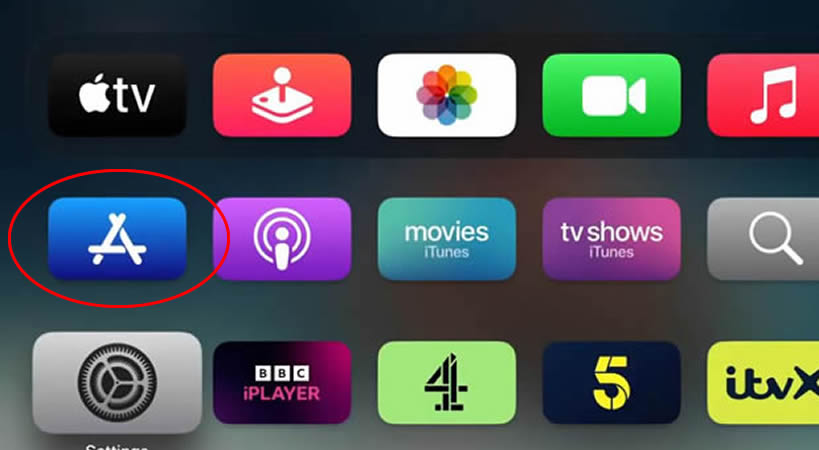
1. Go to App Store
Navigate to the Apple TV App Store.
2. Install VPNUK App
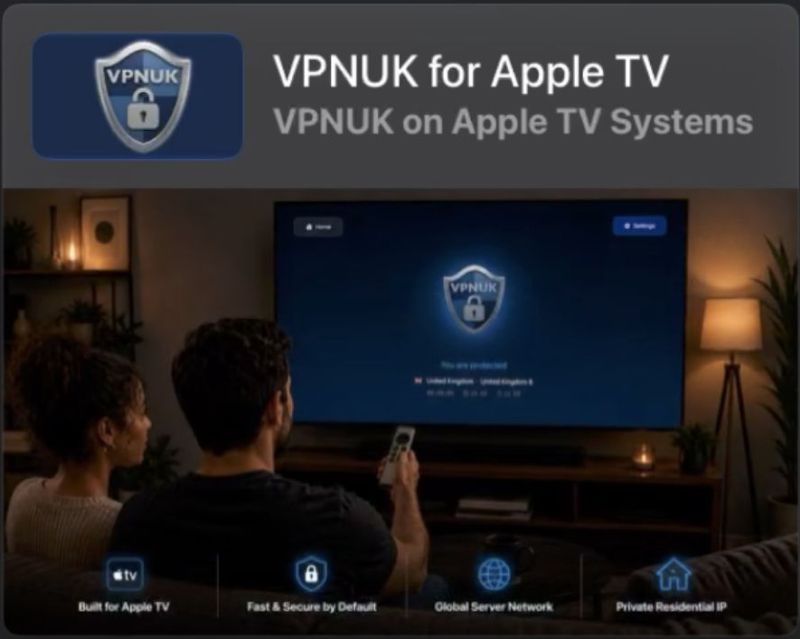
Search for the VPNUK for Apple TV app by Online Pivacy Services Ltd.
3. Run the VPNUK App
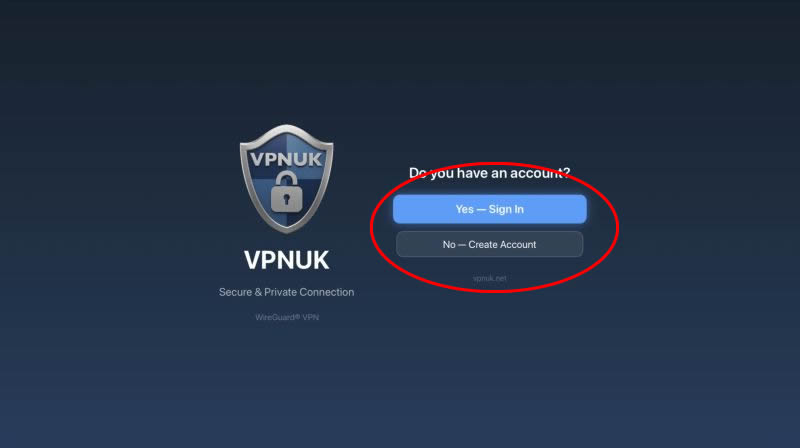
If you already have a VPNUK account you can connect straight away, choose 'Yes - Sign In'. Open the app and navigate to the settings screen. If you do not have an account yet you can signup here or in the app by clickng onto 'No - Create Account'.
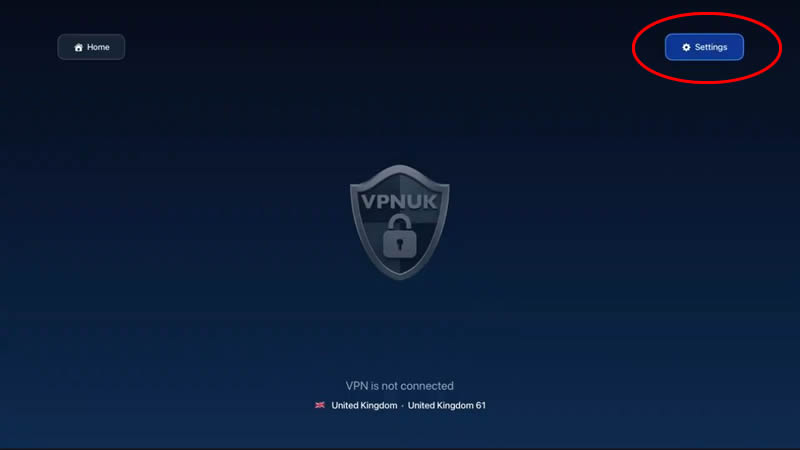
3. Go to Settings
If you already have a VPNUK account you can connect straight away. Open the app and navigate to the settings screen.
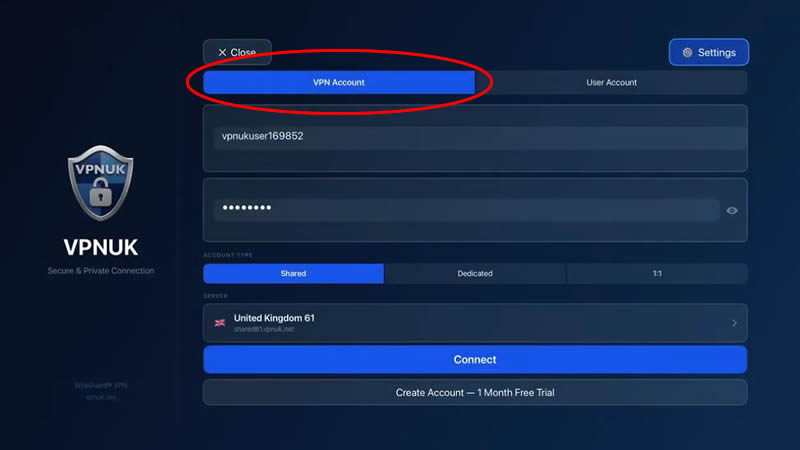
4. Enter Credentials
Choose VPN Account and enter your VPN login and server credentials.
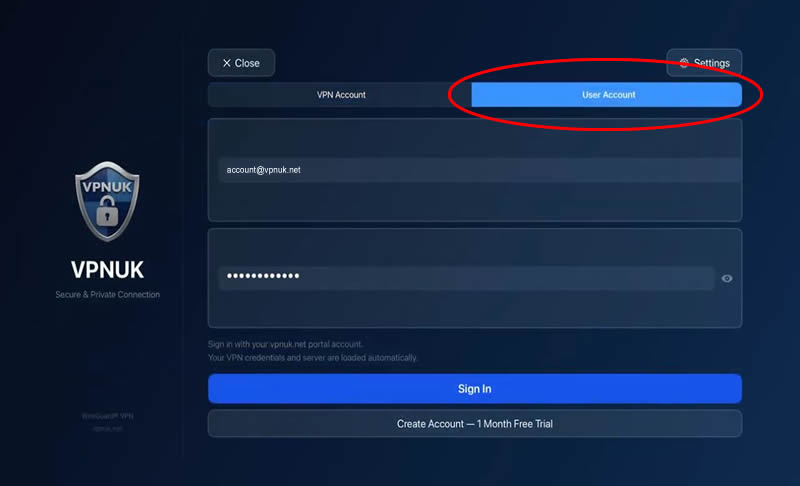
Or login to the User Account and let our API retrieve your account.
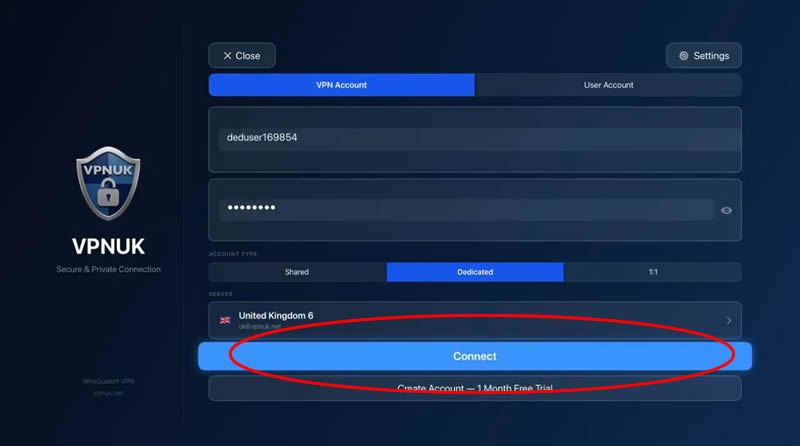
6. Connect
Tap Connect to connect to the VPN.
7. Connected!
The VPN should now be conected.
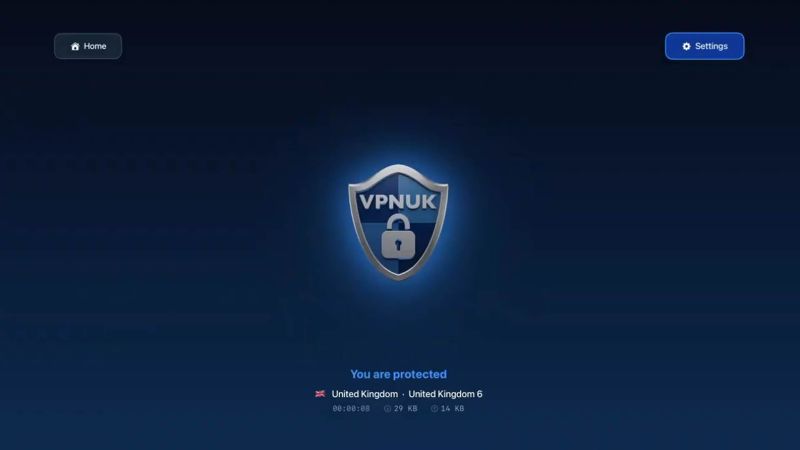
You should now be connected to the VPN.
Optional Settings
1. Optional Settings
The VPNUK app for Apple TV also includes a number of Optional Settings that you can use should you have any problems. Click onto Settings.
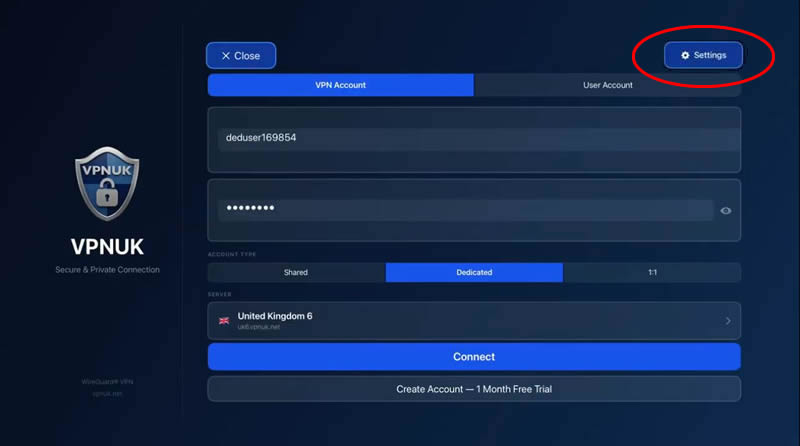
2. Optional Settings - Kill Switch
The Kill Switch is designed to disable all internet traffic if the VPN disconnects for any reason.
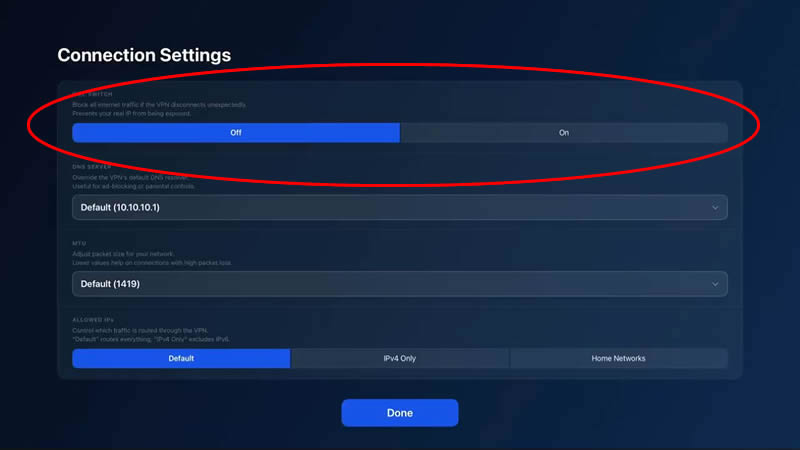
3. Optional Settings - Custom DNS
You can choose to route your VPNUK connection through a number of third party DNS providers.
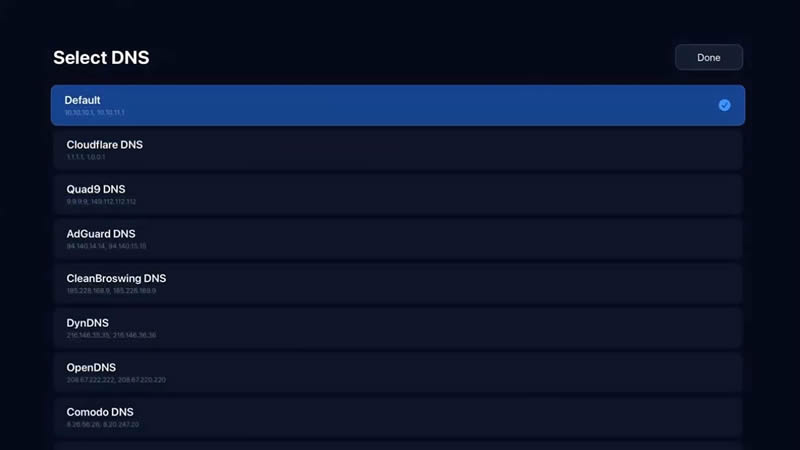
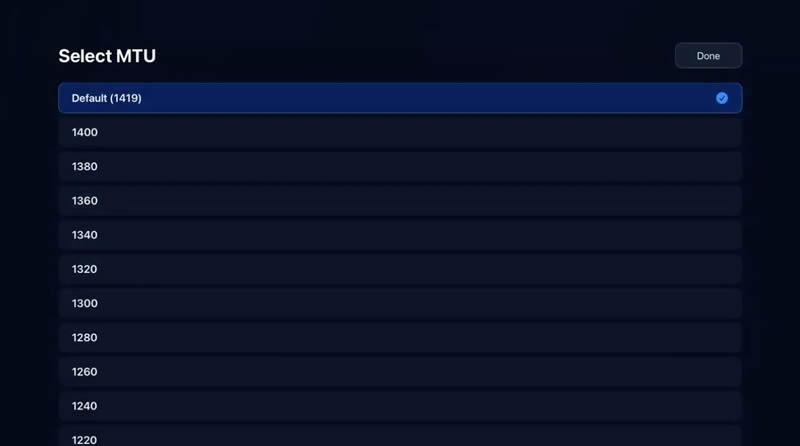
4. Optional Settings - Custom MTU
If you have any problems with the VPN connection or routing speeds, reducing the MTU by small amounts until you find a good balance may help.
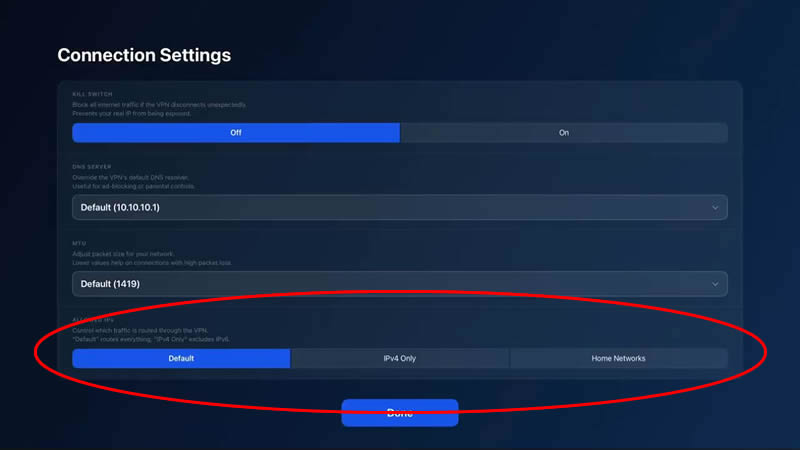
4. Optional Settings - Allowed IPs
Your VPNUK will route through the default IP settings, if you find the connection does not route at all, try changing the settings to 'IPv4 Only', if you lose access to any devices or systems when the VPN is connected choose 'Home Network'.
Enjoy Secure VPN Access with the VPNUK App on Apple TV! If this guide helped, please share your feedback.
"WireGuard" and the "WireGuard" logo are registered trademarks of Jason A. Donenfeld.